
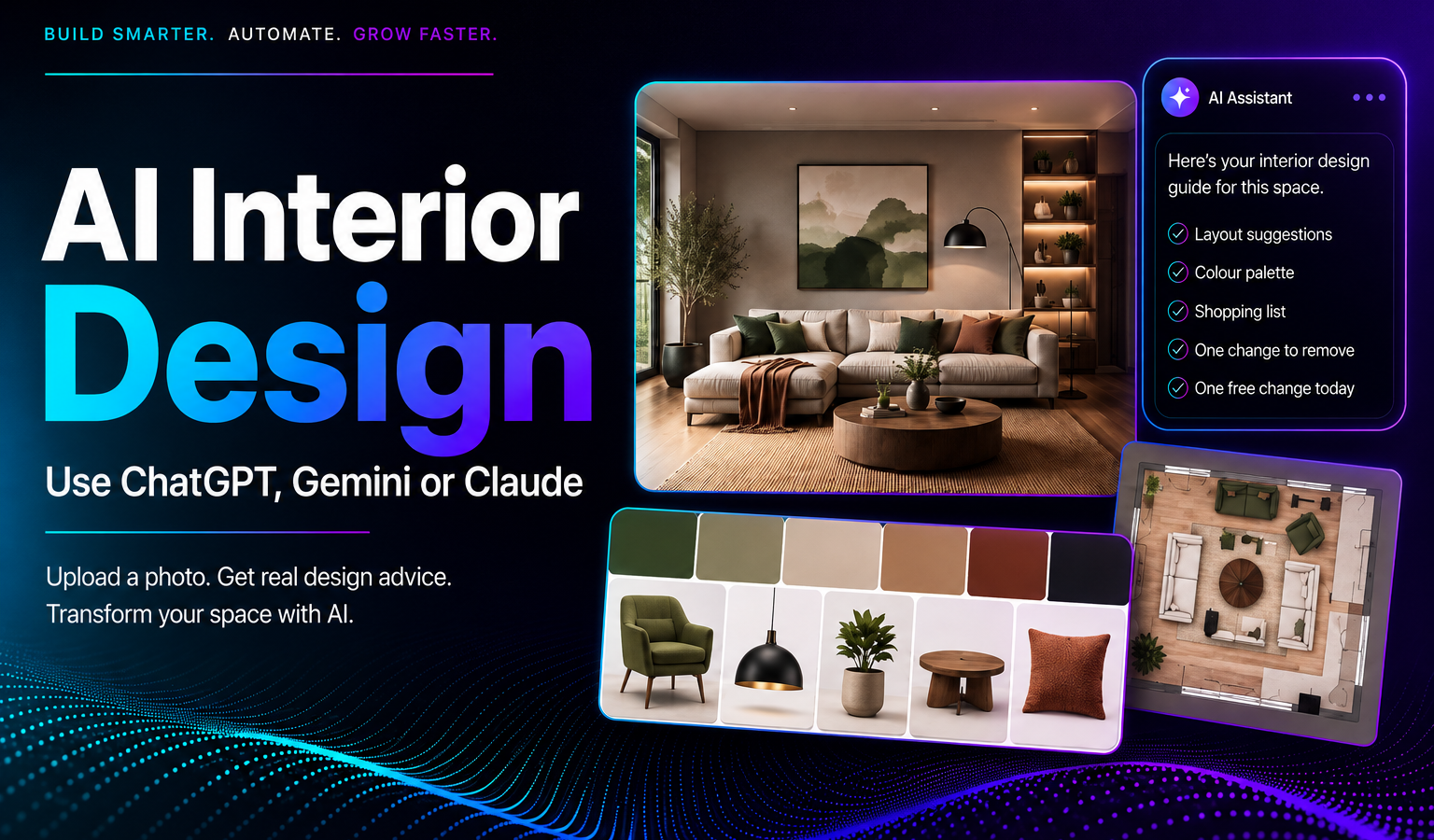
You can genuinely do this right now, for free, using a tool you probably already have open in another tab. Upload a photo of a room to ChatGPT, Gemini, or Claude and ask it to redesign the space, and you’ll get real, specific advice back, not a generic Pinterest board, an actual assessment of your actual room.
What actually happens when you upload a room photo
The AI looks at what’s actually in the image, the layout, the existing furniture, the lighting, the proportions of the space, and uses that to shape its suggestions rather than answering in the abstract. That’s the real difference between asking “how do I decorate a living room” and uploading a photo of yours. One gets you generic advice. The other gets you advice about your room.
Step by step: how to actually do this
- Take a decent photo first. Stand facing the main window or light source if you can, and get the whole room in frame. If you know the rough dimensions, note them down, they noticeably improve the layout advice you get back.
- Open your AI tool of choice and start a new chat. ChatGPT, Gemini, and Claude all support this, no special setup required.
- Upload the photo directly into the conversation. Attach it the same way you’d attach any file or image.
- Use a detailed prompt, not a vague one. “Redesign my living room” gets you generic filler. A specific brief gets you a specific answer, see the prompt below.
- Ask follow-up questions. Push back on anything that doesn’t feel right, ask for alternatives, or ask it to explain why it suggested something. This is where the conversation genuinely earns its keep over a static design app.
- Ask for a shopping list at the end. Specific items, rough price ranges, and one thing to remove that’s currently working against the room.
A prompt that actually works
Vague prompts get vague answers. Try something closer to this:
“Here’s a photo of my [room type]. I’d like to redesign it in a [style] style, on a budget of around [amount]. I want to keep [items you want to keep]. Please give me a suggested furniture layout, a colour palette with specific paint names, five specific items I could buy with rough price ranges, one thing currently in the room that’s holding it back, and one free change I could make today.”
What to expect from each tool
They’re not identical. Gemini tends to be strongest at reading a photo accurately and working around what’s already fixed in the room. ChatGPT is good at generating a long list of concrete, specific suggestions. Claude tends to explain its reasoning clearly, useful if you want to understand why a suggestion works, not just what it is. Trying the same prompt in more than one is a reasonable way to compare notes before committing to anything.
The one honest limitation
These tools are genuinely good at analysis and advice. They’re less reliable at generating an image that precisely matches your actual room, dimensions, windows, and all. If a tool shows you a rendered “after” picture, treat it as inspiration rather than an accurate preview of your specific space. For a photorealistic mockup of your exact room, that’s a job for a dedicated room-redesign tool built specifically for that, not a general chat assistant.
Where DDS fits in
This same principle, using AI tools for what they’re genuinely good at rather than expecting them to do everything, is exactly how we help businesses think about adopting AI more broadly. If that’s something you’re weighing up for your own business, our services page is a good place to start.
The bottom line
Upload the photo, write a specific brief, and treat the conversation as an ongoing back-and-forth rather than a one-shot answer. That’s genuinely most of what turns a chatbot into a decent stand-in for a first design consultation.